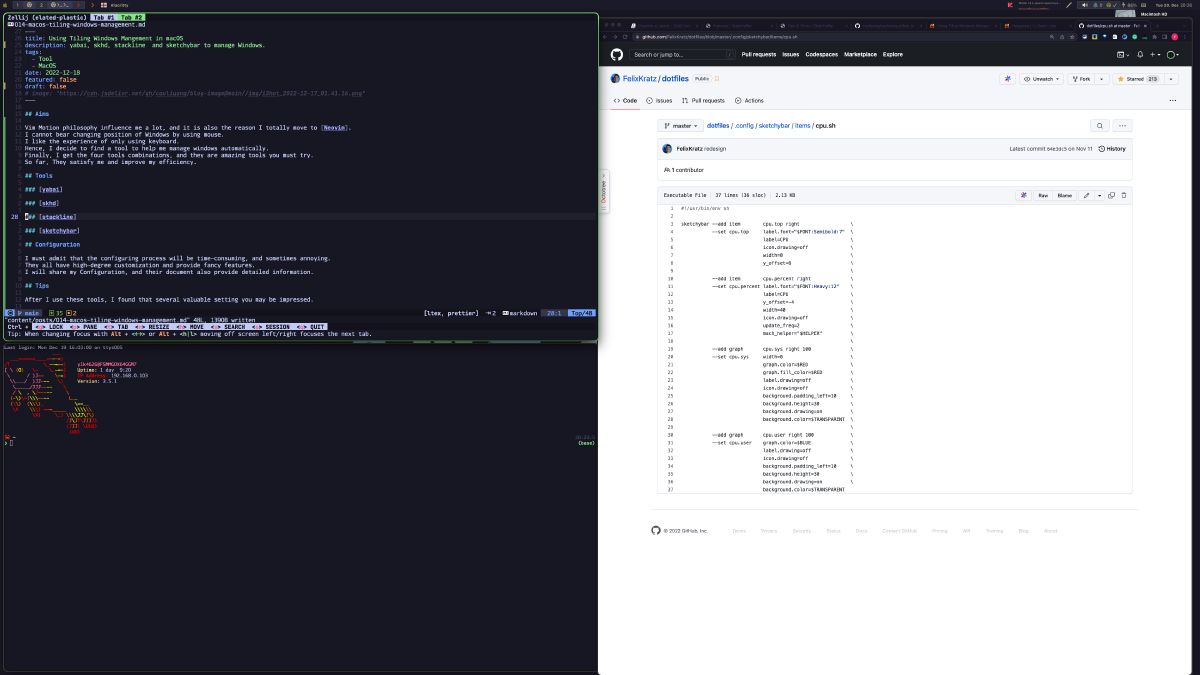

Why tiling#
Vim’s approach to motion changed how I work and led me to Neovim full time. Once you are used to it, reaching for the mouse to drag a window into place feels wrong. I wanted the whole desktop to be driven from the keyboard, so I went looking for a window manager that could do it on macOS. I ended up with four tools that work together, and they have held up well since.
The tools#
yabai#
yabai is a tiling window manager in the spirit of i3: a binary space partitioning (BSP) manager that splits the screen recursively as windows open. It is fast enough to feel native, and every action it supports can be bound to a key through its command-line interface. The video below shows what it can do. skhd, covered next, is written by the same author.

skhd#
skhd is a hotkey daemon: it binds key combinations to shell commands.
For example, ctrl + alt - left : yabai -m display --focus west || yabai -m display --focus recent moves focus to the display on the left, falling back to the most recently used display.
More importantly, skhd supports modes, much like Vim’s modal editing. Each mode has its own set of bindings and is entered through a unique prefix, so you only need to remember the prefix for the mode you want rather than a large set of unrelated key combinations. skhd integrates cleanly with both yabai and SketchyBar.
stackline#
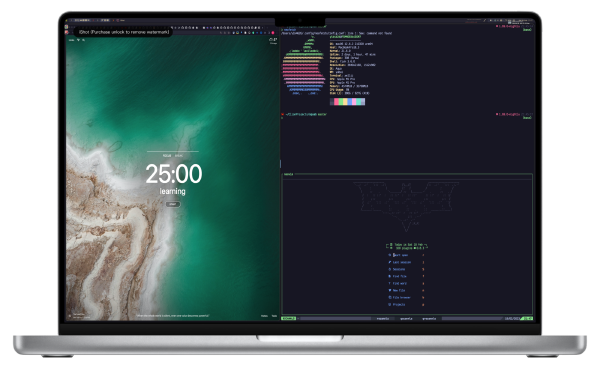
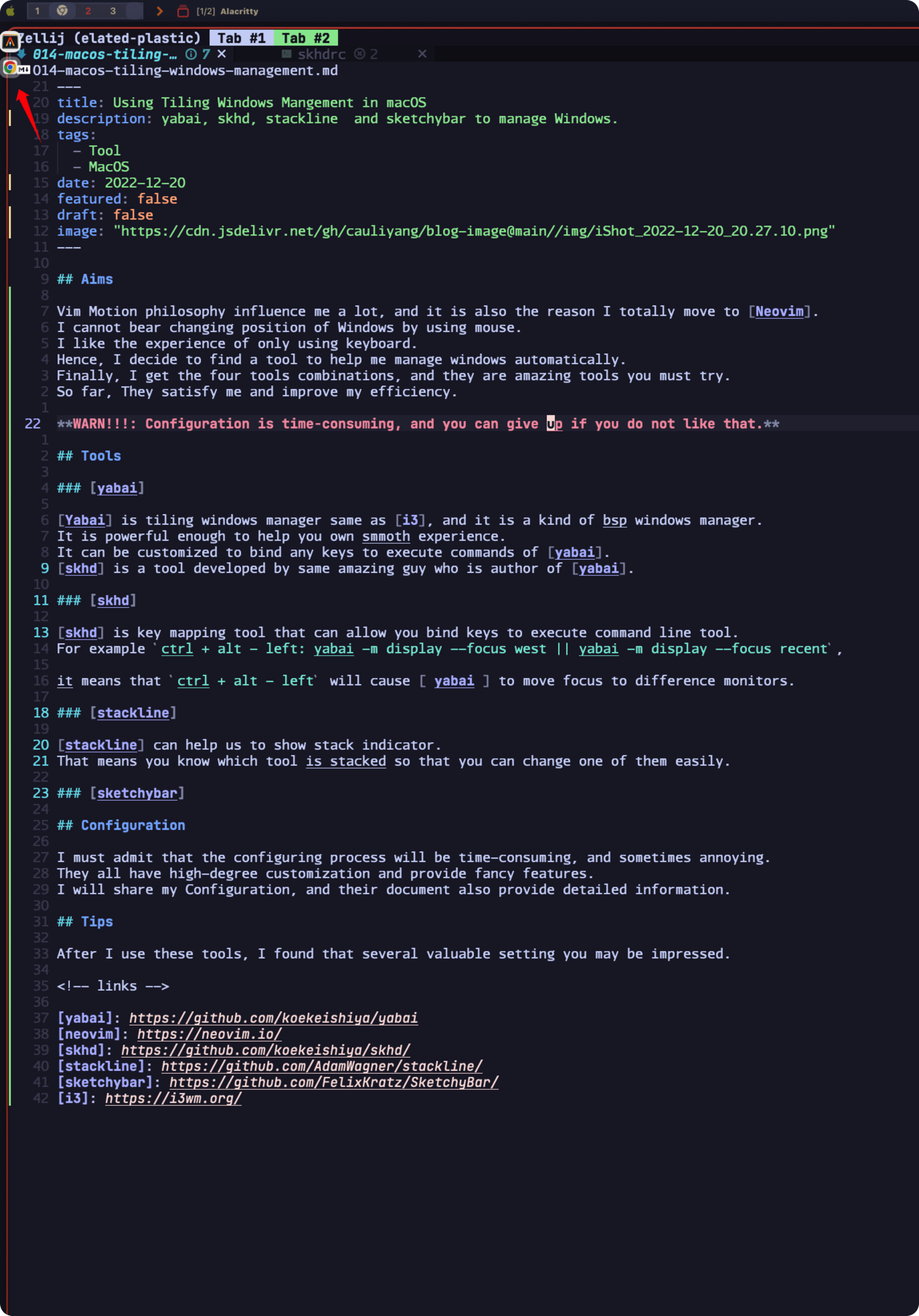
stackline draws indicators for yabai’s window stacks, so you can see which window is on top of a stack and switch between them without guessing. The red arrow in the screenshot below is the stackline indicator.
SketchyBar#
SketchyBar replaces the macOS menu bar with a fully scriptable status bar. Paired with yabai and skhd it can show the current space, the active mode, and anything else you can query from a shell script; the bar at the top of the screenshot above is my configuration.
Take-home message#
The configuration is tedious and occasionally frustrating; that is the price of this much flexibility. My personal configuration is public, and each tool’s documentation is thorough, so you do not have to start from scratch. The time spent pays for itself once the keyboard drives everything. If you know other tools or alternatives worth trying, I would like to hear about them.